Borrow a question before borrowing a look
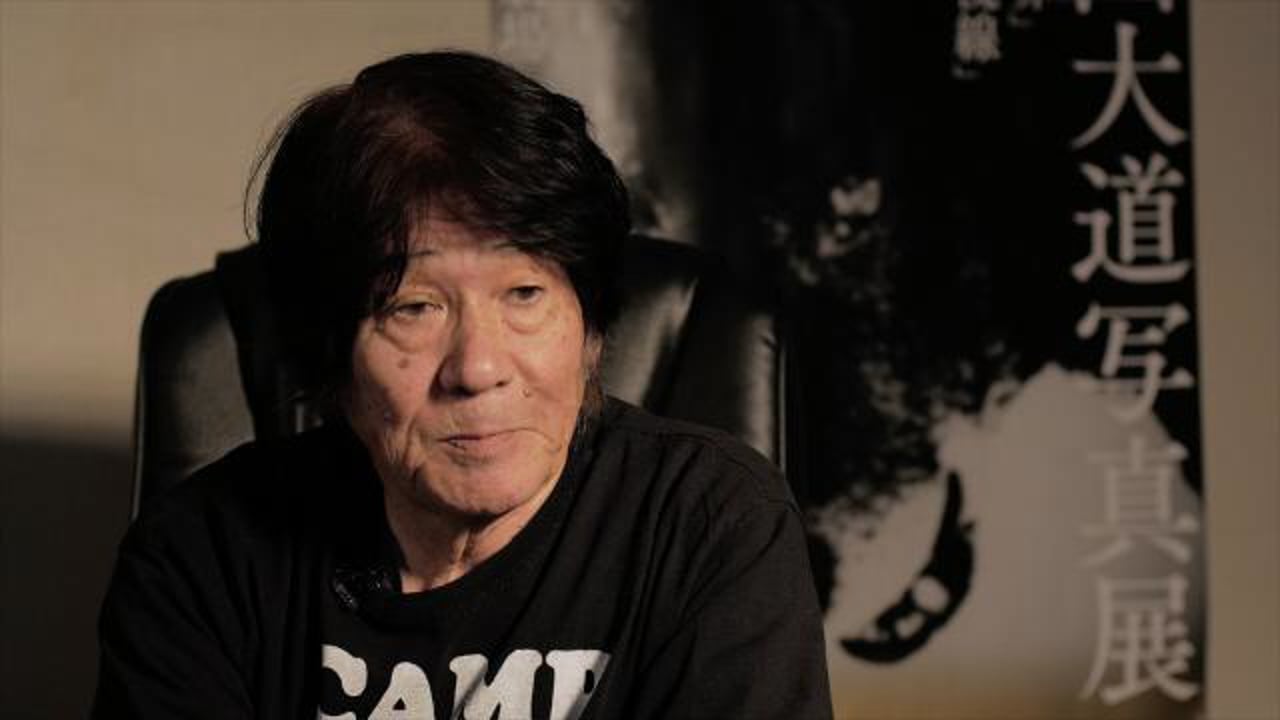
Moriyama’s photographs can feel as though the street has reached out and grabbed the camera. Dark masses, abrupt edges, restless surfaces: the picture refuses to behave like a tidy inventory. It is tempting to translate all of that into a menu bank called DAIDO and consider the matter settled. Unfortunately the menu cannot do the walking.
This feature explores Justin Gould’s independently authored Daido Moriyama recipe at Film Recipes. It is an interpretation inspired by the photographer, not a recipe made, used or endorsed by Moriyama. The numbers are a useful starting point for an experiment. They cannot reproduce a life’s work, a particular negative or the decisions made in a darkroom.
The photographs here are existing works by Mark C Grant, selected to discuss interruption, softness and tonal structure. They are not samples taken with this recipe. Use the credited creator’s page for his actual sample photographs, then make your own tests. No camera test has been invented for this article.
The foreground interrupts
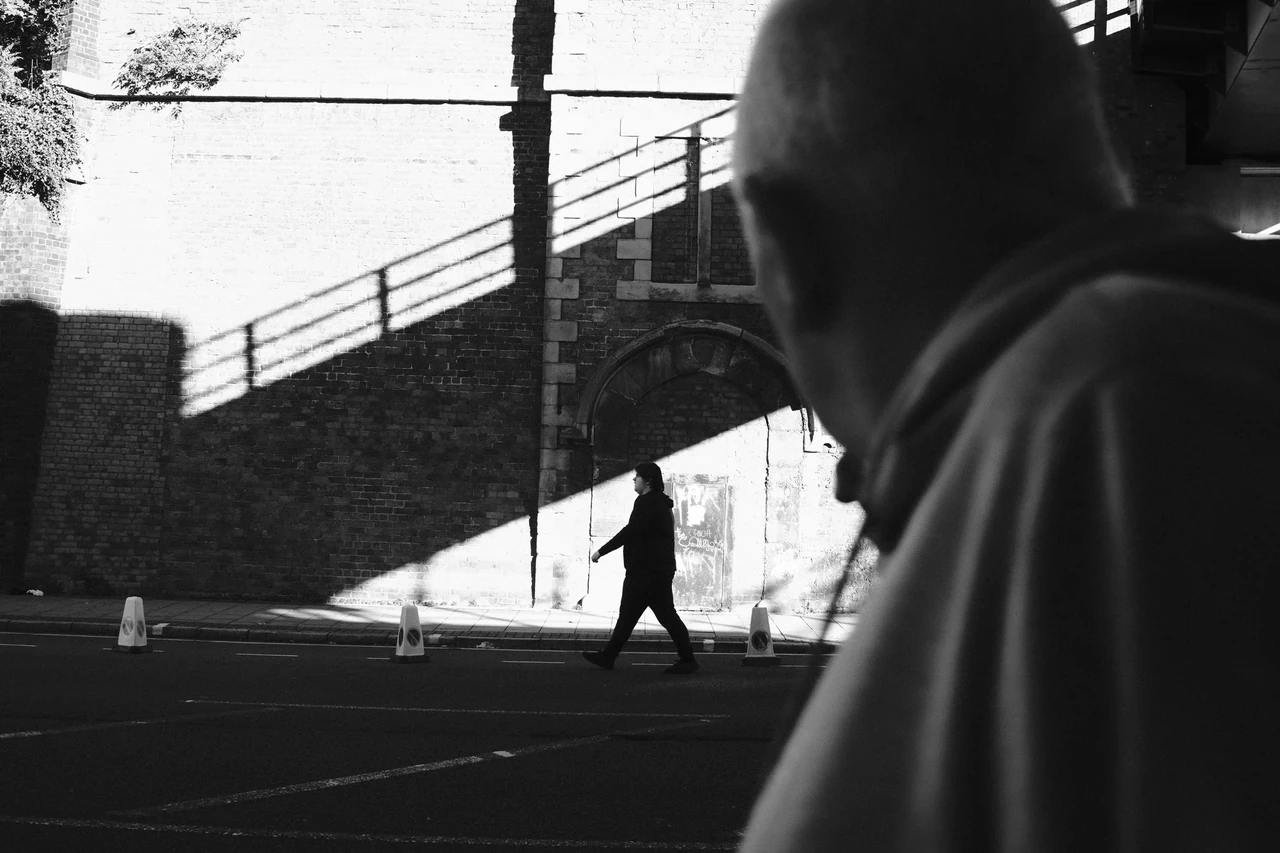
A large, partly cut-off passer-by occupies the near edge while a smaller figure crosses the bright wedge beyond. Your eye has to negotiate two distances. The interruption makes the view feel occupied. Cover the foreground briefly and notice how much tidier—and less layered—the picture becomes.
Passing through the Frame · Photograph © Mark C GrantRead the original settings carefully
Gould’s published combination uses MONOCHROME, strong large grain, DR400, a soft highlight setting and a hard shadow setting. His version includes subtle toning and positive Clarity. The table records the settings as published; the accompanying source contains his sample photographs and fuller context.
For Captured Moment’s neutral black-and-white challenge, our proposed variation changes monochromatic toning to WC 0, MG 0. If saving delays interrupt your response, test Clarity 0 as a separate practical variation. Label either change in your notes. A modified recipe can be useful without pretending it is the original.
MONOCHROME and ACROS are different starting renderings. Do not silently substitute ACROS and expect the same file. If you prefer ACROS, make it a second experiment and keep the comparison named. The point is to understand the consequence of a decision, not to collect mysterious numbers like football stickers.
The background is already working
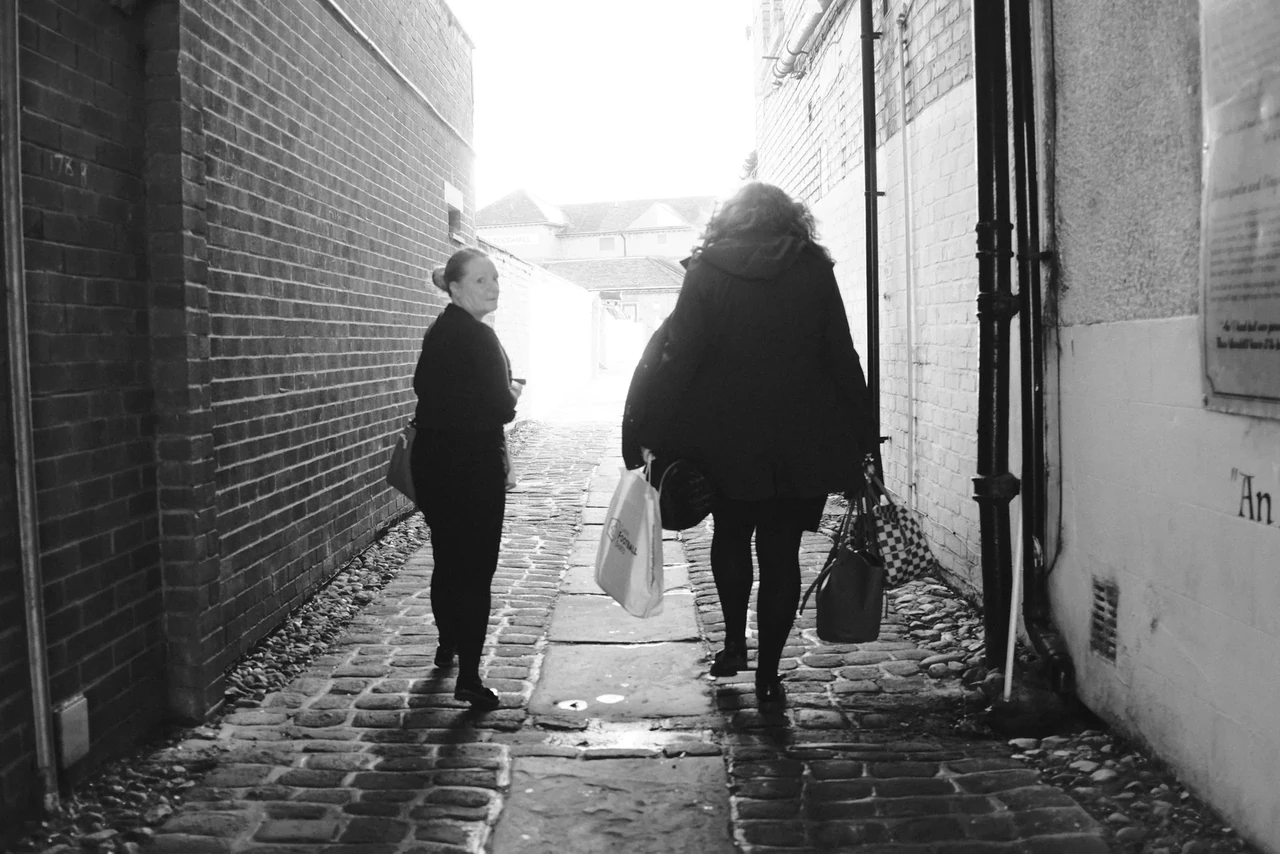
The bright opening pulls the eye through a darker passage. People crossing that route supply changing silhouettes and overlaps. Look at the gap between the two larger figures. You can understand the composition without knowing their destination, their names or the camera settings.
Figures in the Cobbled Passage · Photograph © Mark C GrantWatch, then try
Artist Daido Moriyama – In Pictures
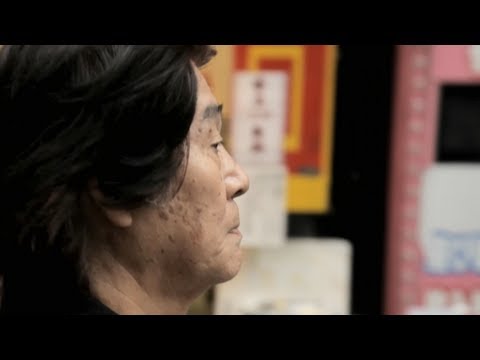
Watch the distance, the decisions and the relationship between photographer and street. Then try one idea on your own walk.
What the controls are doing
Fujifilm’s X100VI manual describes higher tone-curve values as harsher and lower ones as softer. A negative Highlight setting is therefore not an instruction to blow out highlights. Combined with a strong positive Shadow setting, it treats the bright and dark parts differently. Watch where a coat becomes a flat shape and where a bright wall still carries texture. Strong contrast is a relationship, not a command to erase both ends.
On that model, DR400 is available from ISO 500; other cameras have different limits. D Range Priority must be Off if you want manual control of Dynamic Range and Tone Curve. Non-zero Clarity adds processing time. These are practical operating details, not artistic virtues. Check your own manual before storing a bank, especially if an older body lacks Grain Size, Clarity or two-axis toning.
An unavailable control is not a reason to abandon the walk. Use the supported settings, record the omissions and call the result an adaptation. Do not claim exact compatibility across every X-series generation. The useful comparison is between your own repeatable files in your own light.
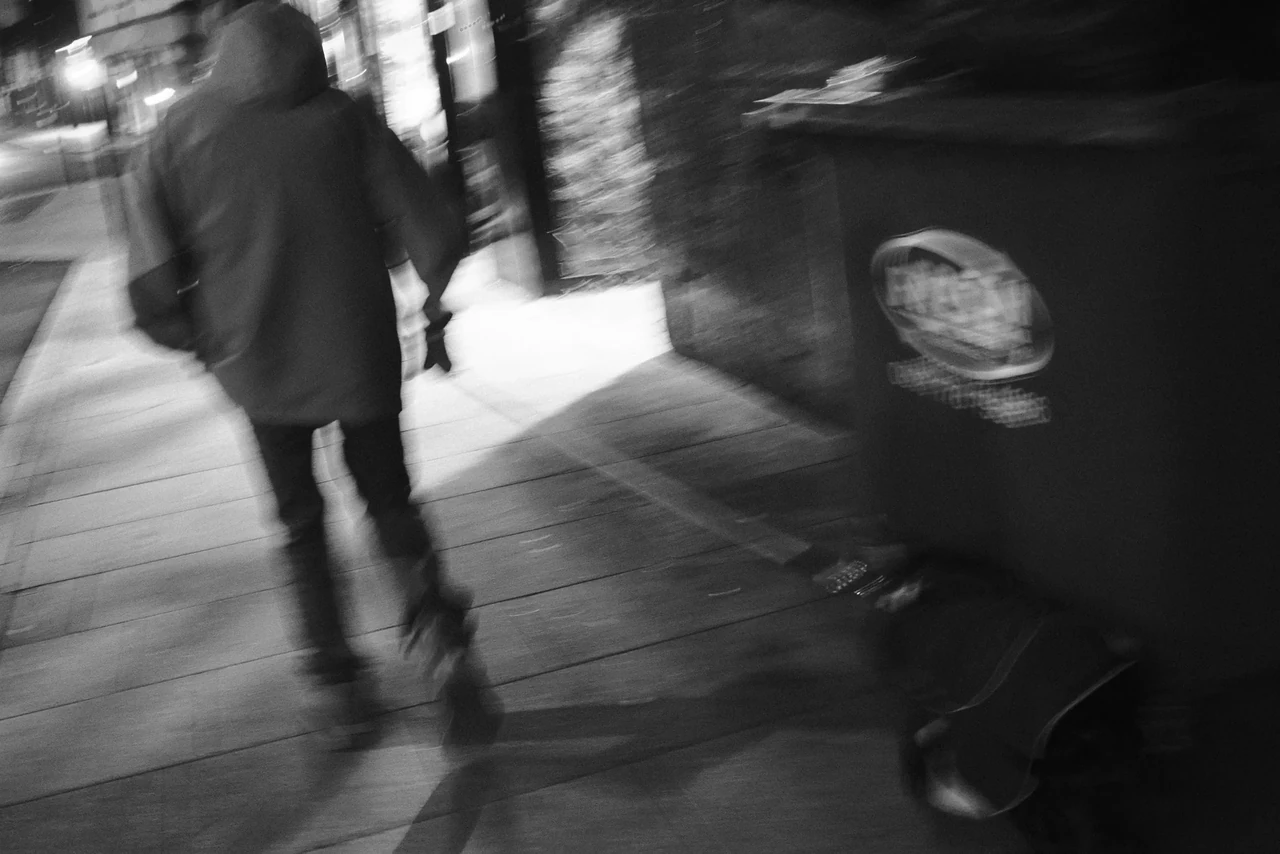
Grain, high-ISO noise and motion blur are different things. Grain Effect introduces a rendering texture. Noise depends on capture and processing; blur comes from motion, focus or other optical conditions. Turning Grain to Strong will not create a convincing encounter. It may simply make an uninteresting pavement more expensively gritty.
Exposure is still your responsibility
Treat the source’s positive exposure compensation as a starting suggestion, not an order to sacrifice every bright surface. Metering depends on what fills the frame. Inspect a setup JPEG and the histogram, then choose what matters: a face, lettering, a patch of sky, or the separation of a figure from the wall. Some clipping may be a deliberate choice. Accidental loss is not automatically more authentic.
Keep the rendering fixed during the challenge while allowing aperture, shutter speed, ISO and exposure compensation to respond to the scene. You can make a crisp photograph with an abrasive tonal treatment. You can also let motion leave a trace. Those are separate decisions. An exercise starting point might be around 1/250 second for walking figures or around 1/30 for exploring movement, but speed, distance and your own movement change the result. Test before counting frame one.
Use JPEG Fine, or RAW+JPEG Fine with JPEG selected on bodies that also offer HEIF. Keep the RAW backup if you want another rendering later. For this walk, judge the original JPEGs. The camera has already processed them; “no edit” means no subsequent adjustments. It does not mean the image arrived without interpretation.
Look at the photograph, not just its roughness
In Passing through the Frame, the soft foreground person occupies much of the right-hand side while a smaller figure crosses a bright area beyond. The photograph gains pressure from two distances and two scales. Imagine removing that foreground presence: the result might be more legible and less bodily. No grain setting makes that relationship for you.
In Figures in the Cobbled Passage, the receding brickwork funnels attention towards the people and light. A turned face complicates the forward movement. The detail worth borrowing is an alertness to relations: the near person, the farther glance, the corridor between them. Do not walk around manufacturing a theatrical tilt and waiting for the world to validate it.
Watch Moriyama in the Tate film before watching the independent recipe interpretation. Ask what his attention follows, how his position changes and how a fragment can stand for a larger environment. Then watch the separate creator’s rendering choices as one response. The two films do different jobs. Neither turns your local street into somebody else’s archive.
Twelve frames with teeth
Before starting, make setup tests of a shaded wall, a bright surface and a moving subject at a respectful distance. Save one named bank and check that it recalls the intended values. Use a familiar lens or focal length. If you choose our neutral or faster-writing variation, record that once, then leave it alone for the twelve counted exposures.
Make four frames about surfaces: worn paint, a window, pavement, something repeatedly touched. Make four about interruption: a shadow crossing a shape, a reflection crossing a view, an edge that complicates the subject. Make four about presence: an animal, a consenting companion, a person encountered considerately, or evidence of someone recently there. These are invitations to look, not twelve subjects you must force into existence.
Use single-frame drive. No deleting, no replacements, no cropping or tonal rescue afterwards. If motion or focus goes astray, keep the result for review. Do not provoke people or animals to manufacture intensity. A rubbish bin can endure your artistic uncertainty; a stranger does not owe you a performance.
Arrange all twelve full JPEGs in order. Select one because of its geometry, one because of its gesture or presence, and one because of an unexpected irregularity. Explain what each loses as well as gains from the chosen rendering. If the best frame is sharp and level, let it be. The streets have enough compulsory behaviour already.
The recipe should eventually become less interesting
The first walk teaches you where the rendering breaks down. Perhaps faces merge with coats; perhaps the large grain distracts at the size you share; perhaps Clarity slows the moment you wanted. Change one setting for a second walk and write down the reason. Keep the first twelve intact. Learning requires a comparison, not a replacement history.
The ambition is to reach a point where the camera’s look is familiar enough to stop occupying your attention. Then you can notice the odd conjunction, the unplanned glance, the dog that looks back. Moriyama is useful here as a provocation to look more freely. He is less useful as a costume made of crushed blacks.
Take the experiment into the contact-sheet lesson. Ask which photograph remains interesting when you stop congratulating its texture. That is the one worth spending another minute with. The recipe has done its job when it gets you out of the menu and back into the world.
Watch, then try
A Fujifilm recipe dedicated to a Street Photography legend

An independent creator offers a different Moriyama-inspired Fujifilm interpretation. This is not Moriyama teaching his settings, and it is not the Justin Gould recipe tabulated here. Compare the visual priorities rather than mixing two sets of numbers.
Watch, then try
Fujifilm Film Simulations Settings Simplified (Part 3) | Assign Custom Settings
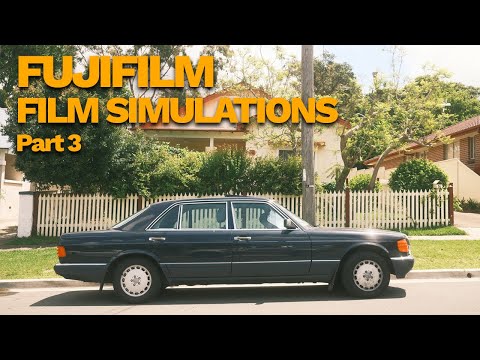
An independent walkthrough of assigning custom settings. Follow the saving process, then check your own model’s manual: menus and the settings stored in a bank vary. Name one saved bank before starting your twelve exposures.
Sources & further looking
Facts checked 22 October 2026. The practical exercises and critical readings are this publication’s editorial interpretation.
Take this to the discussion.
A question, an example, a picture that proves us wrong. Specific beats loud.
Open the conversation ↗